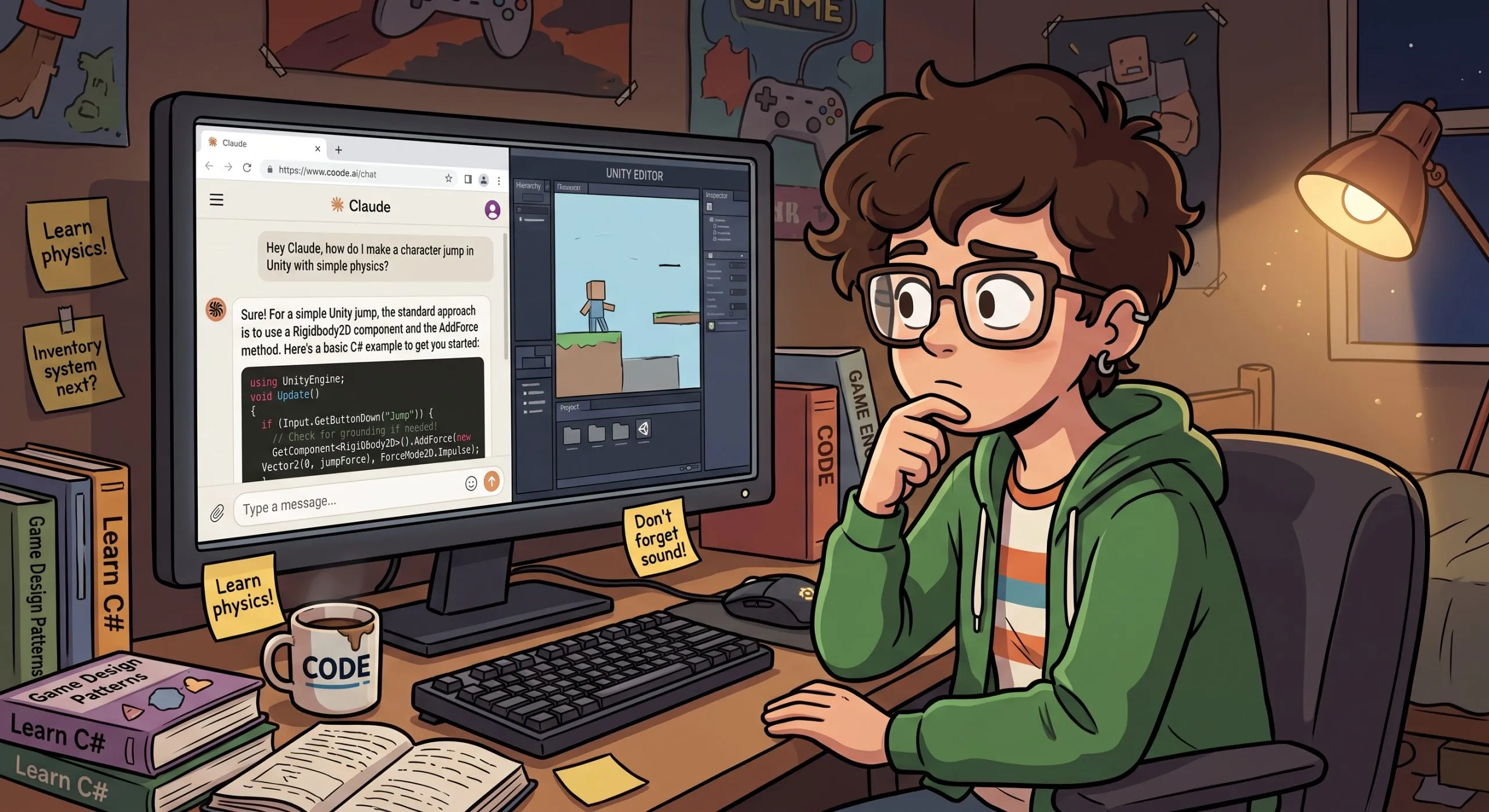

Let’s start with a fact: AI is changing how developers write code. I’m not going to cite statistics about how many developers use AI or what percentage of code is now AI-generated. You’ve seen those numbers everywhere. What I want to talk about is something more personal: what I’ve learned from working with junior developers, and how AI is changing the entry point for anyone trying to land their first job in this industry.
I remember my first programming class in high school, when the teacher introduced the print function. I genuinely thought it would send text to a physical printer. It’s a silly memory, but it stuck with me for a reason: back then, misunderstanding one function meant your code didn’t work, and you had to figure out why. Closing that gap yourself, one function at a time, was simply how learning to code worked. Today, a beginner can copy-paste AI-generated code that runs perfectly without understanding a single line of it. The gap between “it works” and “I know why it works” has never been wider.
Has AI lowered the barrier to entry?
You’d think so. But I don’t believe it has. If anything, the opposite. The job market for juniors is brutal right now, and while layoffs have many causes, AI is clearly reshaping who companies need. Here’s the uncomfortable math: if AI can make a complete beginner somewhat productive, imagine what it does for a senior developer with ten years of experience. The senior knows exactly what to ask for, spots bad output instantly, and lets AI handle the boilerplate, the tests, and the repetitive refactoring: the very tasks that used to be handed to juniors so they could learn. That senior, armed with AI, can now do the work that used to require a whole team of juniors. The tool that was supposed to open the door is helping someone else close it.
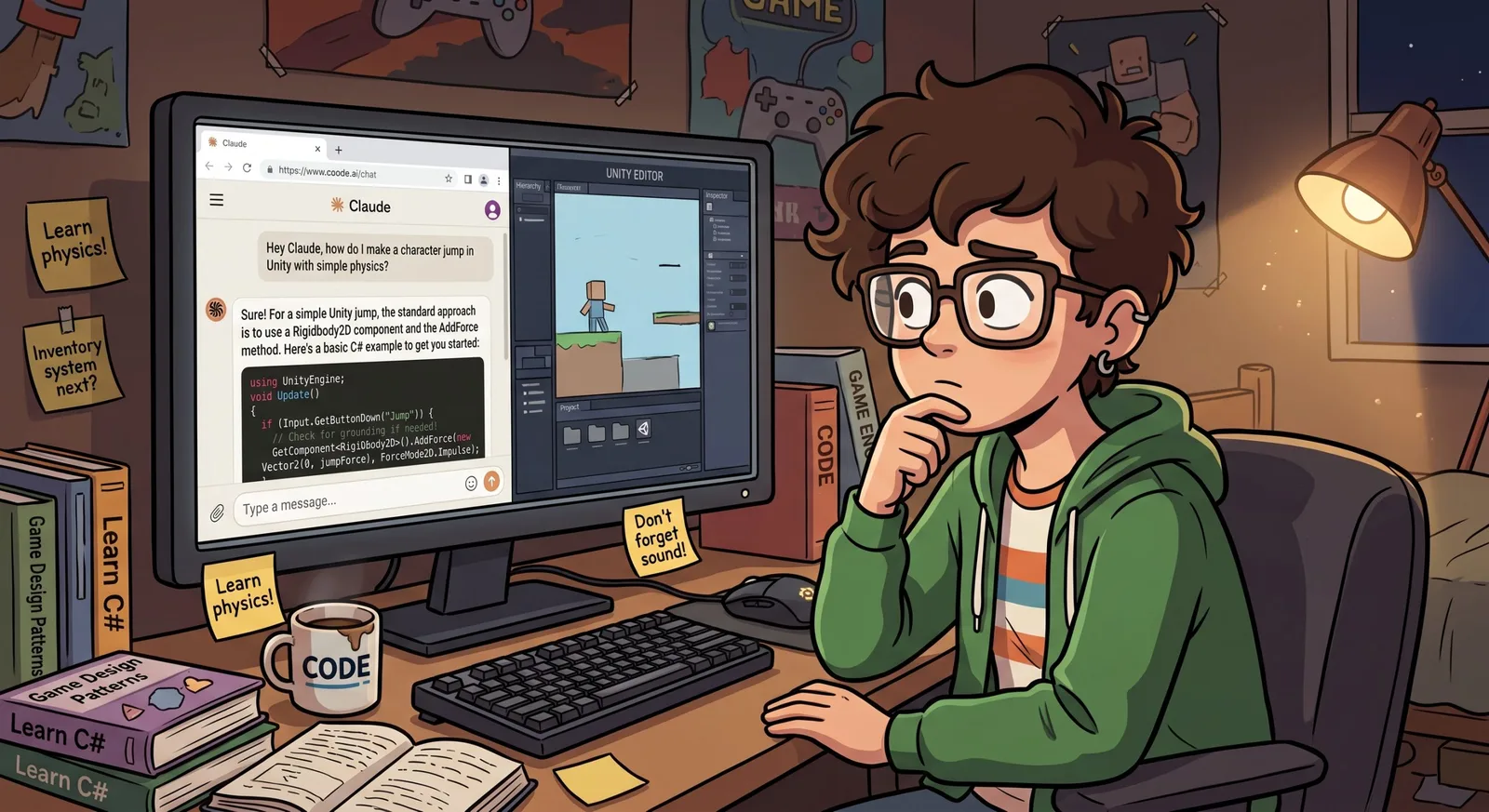
What I saw firsthand
I recently worked as a project manager at a new game studio, where part of my job was helping game development interns learn to code. Very quickly, I ran into a problem.
Every task I assigned, the interns implemented with AI. At first, it looked great: fast results, working features. But as the tasks grew more complex, the project turned into a mess that none of them could understand, because none of them had actually written it. At one point, the project had three different movement systems running at the same time. Every time something broke, instead of fixing the existing code, the AI had simply generated a new system on top of the old one, and nobody noticed. They couldn’t debug it, extend it, or explain it. My instinct was to ban AI entirely: “Learn to code first, use AI later.”
But the more I thought about it, the more I realized that advice might already be outdated. These interns will spend their entire careers working alongside AI. Telling them to pretend it doesn’t exist isn’t teaching; it’s nostalgia.
So how should a new developer learn?
That’s the real question, and I don’t think anyone has fully answered it yet. Has AI changed not just how we code, but how we should learn to code? I believe it has. And while I’m still figuring out the complete answer, my time with those interns taught me a few rules I’d give to any junior starting out today:
Never keep code you can’t explain. Use AI freely, but before you commit anything, make sure you can walk through it line by line. If you can’t, you haven’t finished the task. You’ve just postponed the moment it falls apart.
Make the AI your teacher, not your ghostwriter. The same model that writes code for you can explain it, question your approach, and quiz you on what a function does. The prompt “explain this like I’m a beginner and tell me what could break” teaches you more than “write me a movement system” ever will.
Propose your solution before asking for one. Before you prompt for an implementation, decide how you think the system should work: which components, which approach, and why. Then put your plan in front of the AI and ask it to challenge you: “Here’s how I’d build this. What’s wrong with it?” Don’t ask if your idea is good, because the AI will happily say yes; ask what would break. Being wrong here is cheap, and finding out why you were wrong is the lesson.
When something breaks, debug before you re-prompt. Asking the AI to “fix it” is how our interns ended up with three movement systems. Reading the error, forming a guess, and testing it is where actual learning happens; the AI can help after you’ve tried.
Let complexity be your signal. If your project has grown to the point where you no longer understand how its parts connect, stop adding features. That confusion is not a nuisance; it’s the curriculum.
None of this means avoiding AI. It means using it the way seniors do: as a tool you direct, not a brain you borrow.
When I started learning game development in Unity, the path was obvious: open YouTube, find a tutorial, and follow along, every click inside the Unity editor, every line of C#, typed out alongside the instructor. That follow-along format shaped a whole generation of developers. The next generation will learn with an AI at their side from day one, and nobody has written that playbook yet. Until someone does, the rules above are the best starting point I can offer. And the difference between juniors who make it and juniors who don’t may come down to exactly this: whether they let AI do the work, or let it teach them how the work is done.