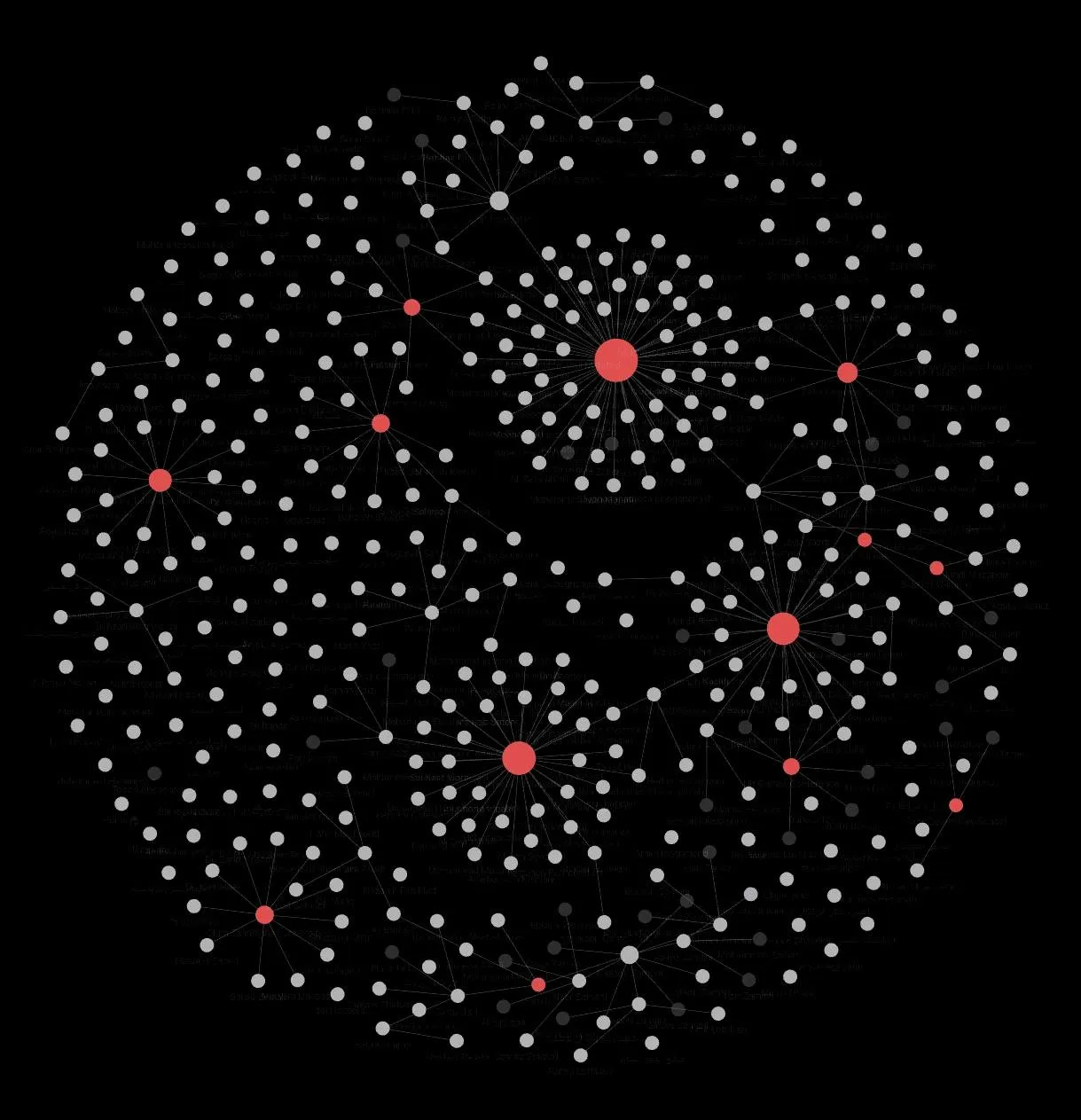

I’ve always wanted to create a graph of every person I’ve ever met or been in contact with. And I mean EVERY person. That sounds weird, right? 🤔
One morning, the early sunrise woke me up, and I couldn’t get back to sleep . So I finally took the opportunity to start. I downloaded Obsidian on my phone, imported my contacts as a starting point, and began connecting people to the places where I met them or to the person who introduced us.
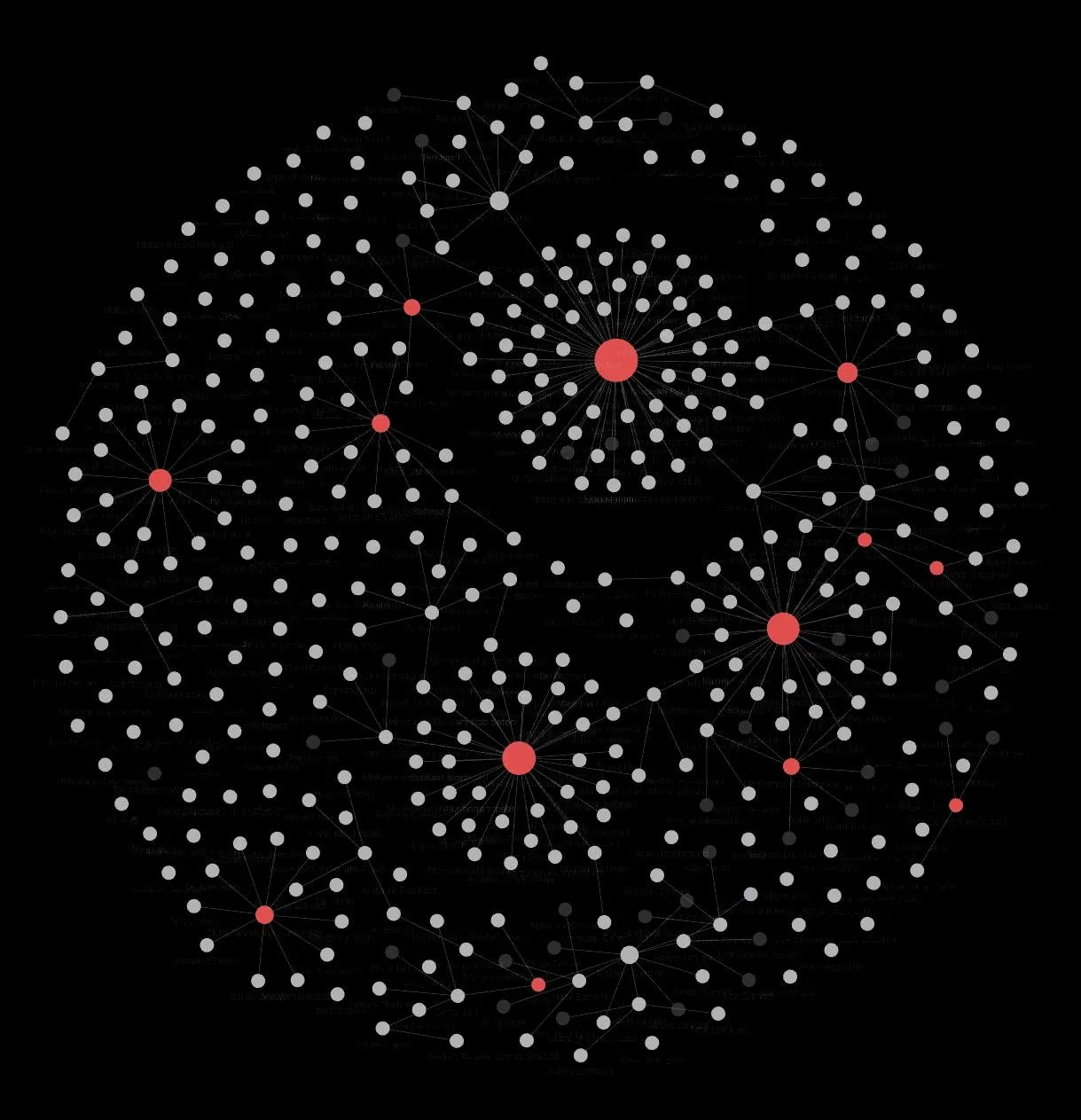
It’s starting to take shape, and I’m excited to watch it grow. 🤩
Why do I think this is worth it? Think about how many times you’ve been to an event, had a great conversation with someone, and didn’t even know their name six months later. Or the times someone asked whether you knew a good graphic designer, and you completely forgot that your high-school classmate does exactly that. We lose out on so much potential collaboration and friendship simply because we forget. And that can be a real problem. 😓
The people around us shape so much of what our lives can become. I’ve always wanted a simple way to look at my network and notice connections I might otherwise miss. I wanted to step back, zoom out on everyone I know, and make better sense of those connections, or possibly discover hidden overlaps.
Once the baseline graph is done, my next step is to tag everyone with keywords. That way, if someone asks, “Hey, do you know anyone who plays soccer well and wants to join us?” I can actually find them in seconds.
Writing things down and being able to visualize them changes the game. I think we could get a lot more out of our lives this way. Simply put: don’t rely only on your memory. It wasn’t built for this.
P.S. How You Can Map Your Own Network
If you want to try this yourself, it’s actually easier than it sounds. Obsidian is a free note-taking app, famous for its “Graph View”—a visual web of how all your notes connect. Here is the basic workflow I am using to get started:
- Export your contacts: Save your phone or email contacts as a standard CSV file.
- Import into Obsidian: Bring them into the app so that every person gets their own individual note. (There are community plugins that can help automate this process!).
- Start linking: Inside each person’s note, type brackets around key identifiers to create links, such as [[University]], [[Tech Industry]], or [[Alireza]].
- Watch the graph grow: Open the Graph View in the app and watch the dots physically connect on your screen to form your network.